

Quality Method
Your clip. Ready for the next step.
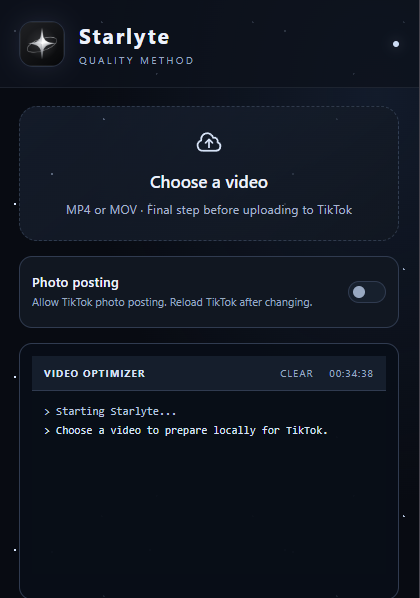
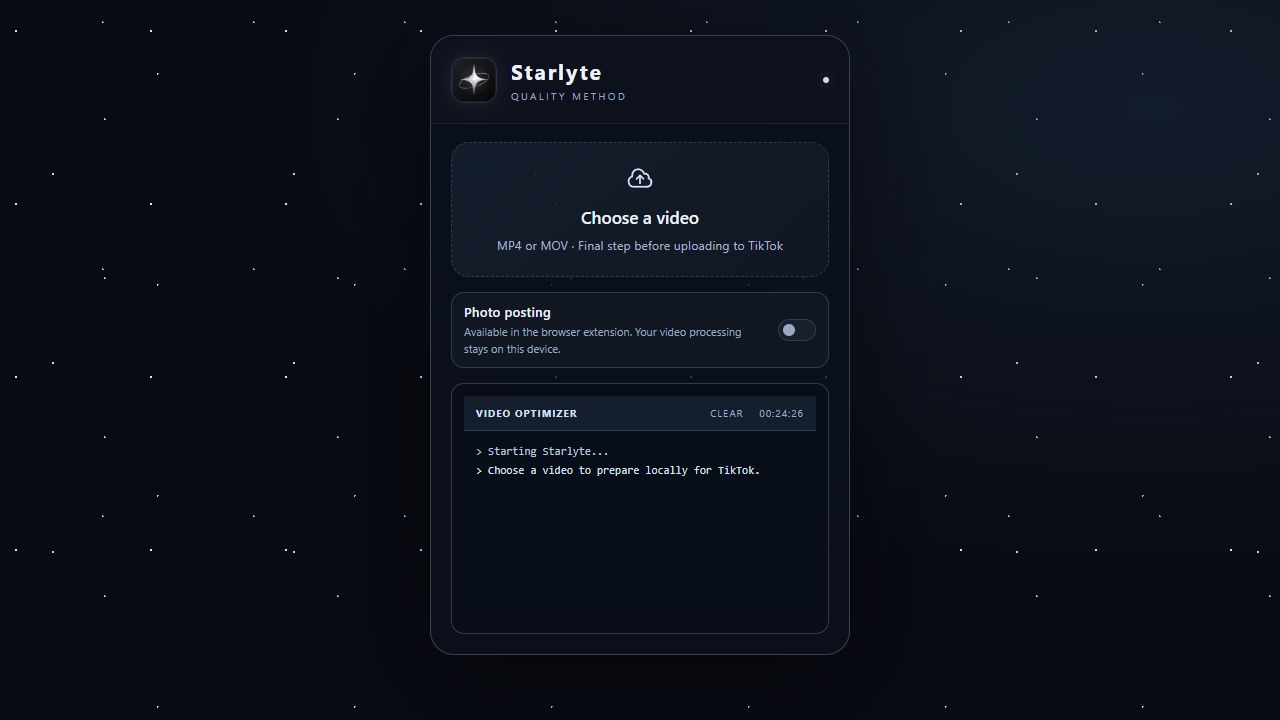
Starlyte Quality Method prepares MP4 and MOV videos on your own device, then lets you save the resulting MP4 or hand it off to TikTok Studio. A focused final step between editing your clip and uploading it.
What’s included
• MP4 and MOV input: process a nonempty video up to 500 MB.
• On-device encoding: your video is processed by the included local encoder.
• Save your finished MP4: keep a copy and review it before uploading.
• Browser extension: a Starlyte interface for supported Chromium browsers, with a TikTok Studio handoff.
• Standalone option: open the same interface in your browser using the included launcher.
Get started after purchase
• Open your Payhip purchase email, download the ZIP, and extract the entire folder. Keep the files together.
• Extension: run Setup.cmd, open your browser’s Extensions page, enable Developer mode, and choose Load unpacked. Select the included extension folder.
• Standalone: with Node.js installed, run Start Starlyte.cmd.
• Choose your video, keep the interface open while it processes, then save the MP4 or choose the TikTok Studio option.
Before you buy
This is a PC download. The extension is intended for Brave, Chrome, and Edge; the standalone launcher requires Node.js. No Starlyte account is required. You still need your own TikTok account and internet connection to post.
Keep your original video. Source quality and TikTok’s own processing affect the final result; this does not restore missing detail or guarantee reach, views, or a particular upload resolution. Browser handoff and photo posting depend on TikTok’s current interface and account availability. Review your video before posting; nothing is published automatically.
Need a hand?
Join Starlyte Discord (https://discord.gg/starlyte) for setup and product support. Have your Payhip order reference ready; never post your password or activation details in public channels.